Use case · Marketing · Agencies
A month of content, planned in an afternoon.
Draft the next month’s calendar from your client’s pillars, brand voice and launch dates, ready for your edit.
What comes back
What do you get from a client content calendar?
Brand voice, channels and dates.
- Sources linked to the result
- Open questions listed for you
- You review before it is used
How it works
How does Relay prepare a client content calendar?
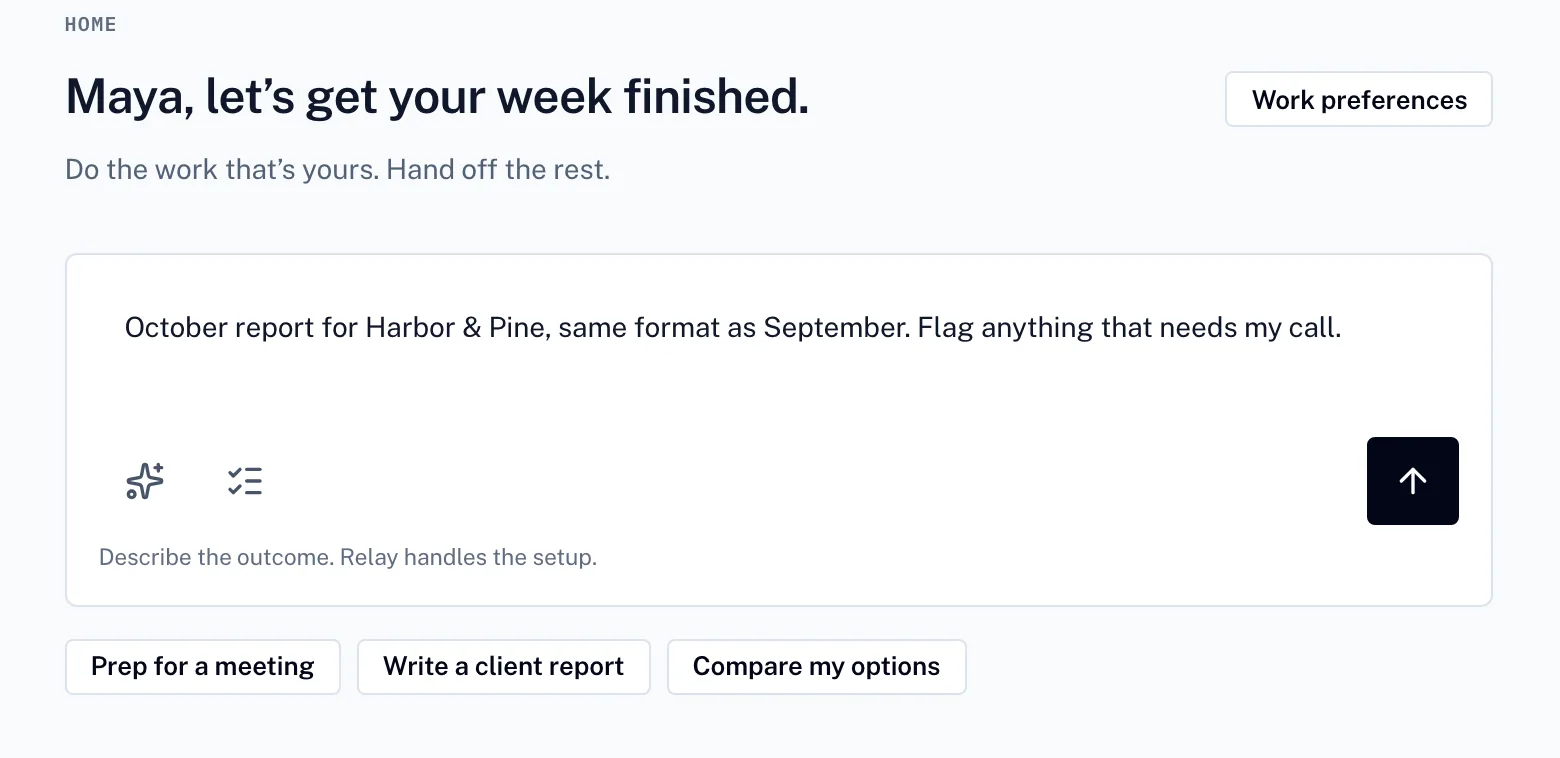
01 · You describe it
Start with a sentence, not a spec.
Say what you need. Relay turns it into a plan you can adjust before anything runs.
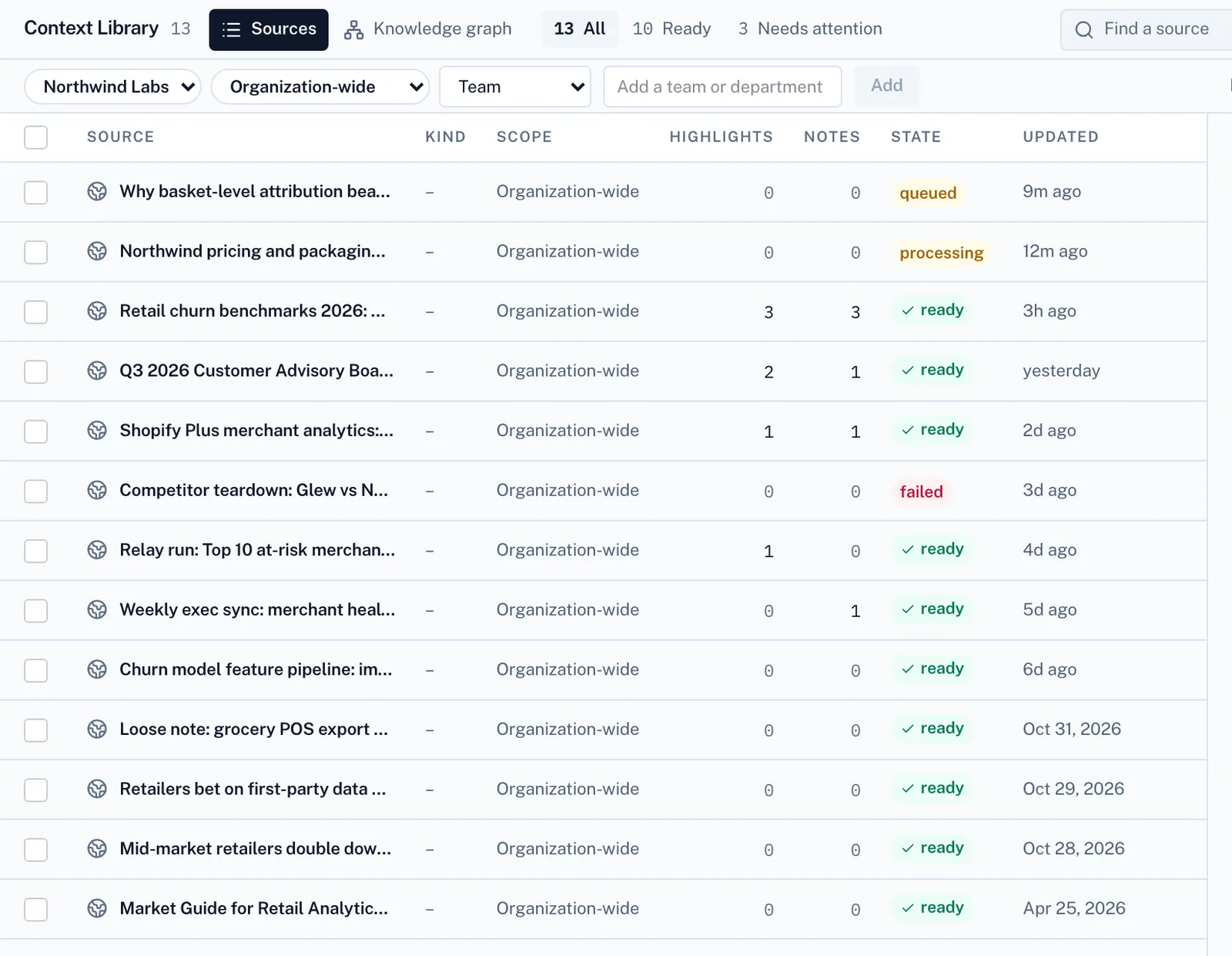
02 · Relay gathers what it needs
Stop re-explaining your work.
It works from your files and your team’s playbooks, so the result fits how you already work.
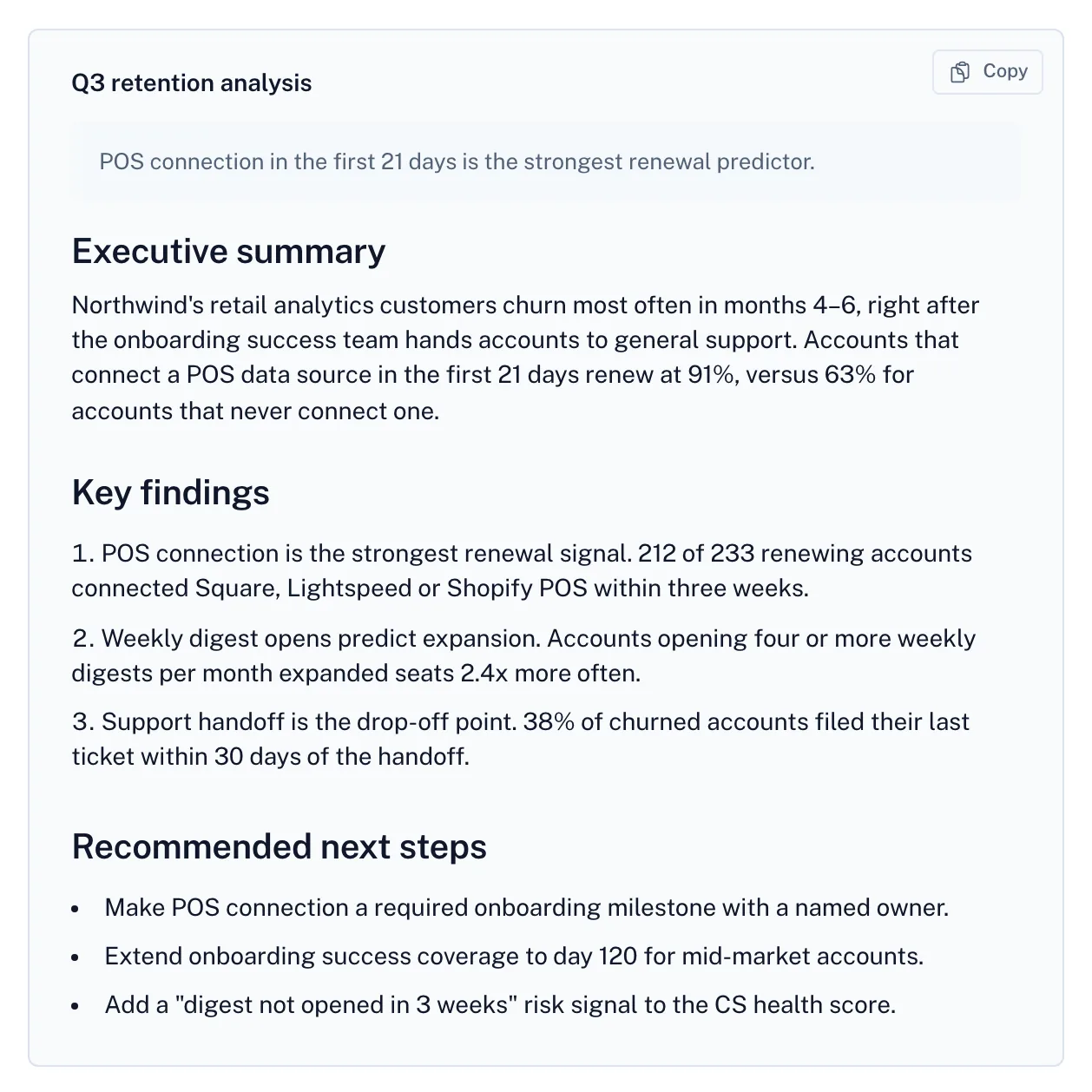
03 · You make the call
Know it’s right before you share it.
The result comes back with its sources, any open questions and what it cost. You decide what goes out.
Screens from Relay with a fictional demo company.
Inside Relay
What else does Relay handle for this work?
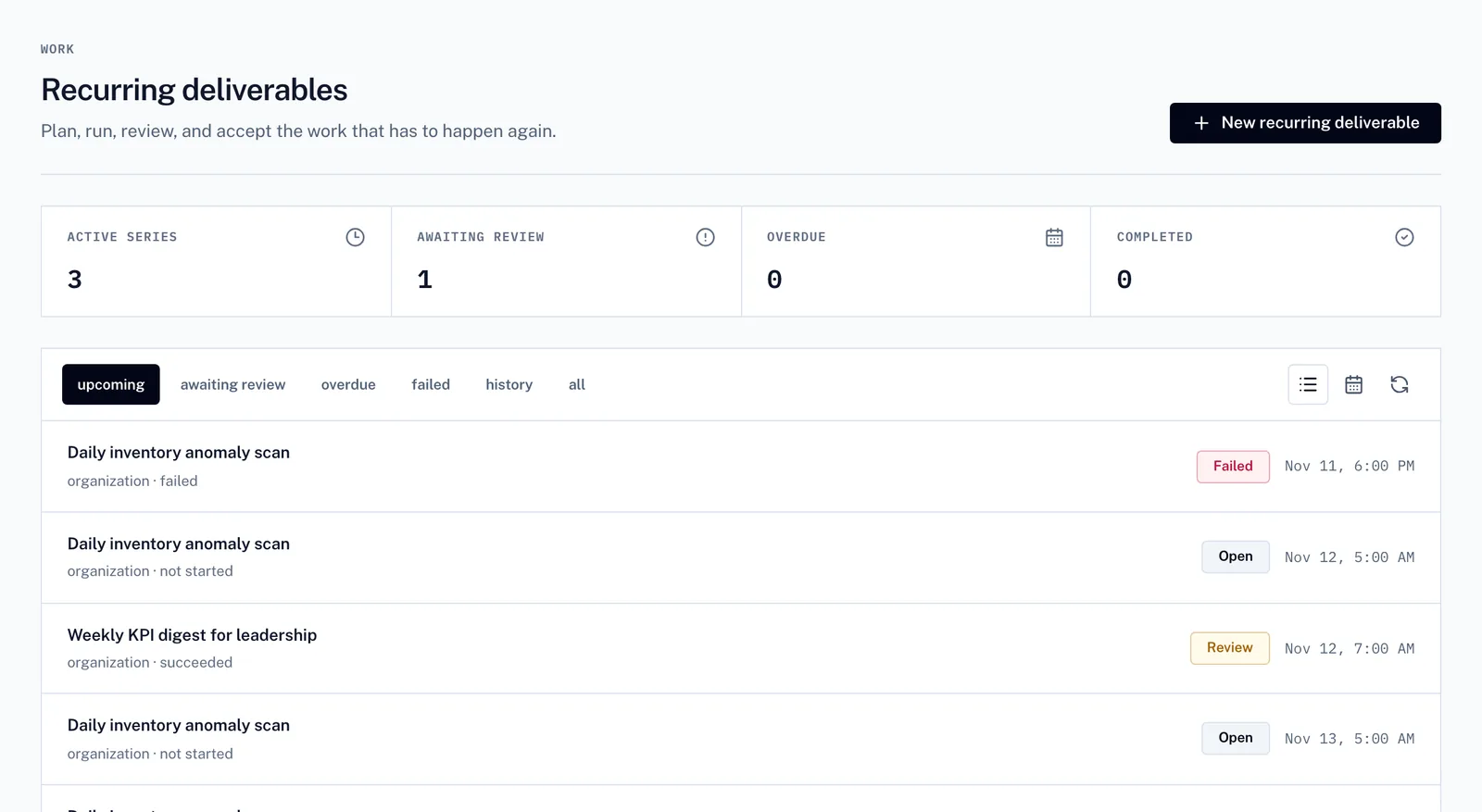
Recurring deliverables
Recurring work, on schedule
Weekly and monthly work is scheduled once. You see what is coming up, what is waiting for review and what needs attention.
Shared conversations
Work it through together
Bring colleagues into one conversation with Relay, keep a running summary and see who is involved at a glance.
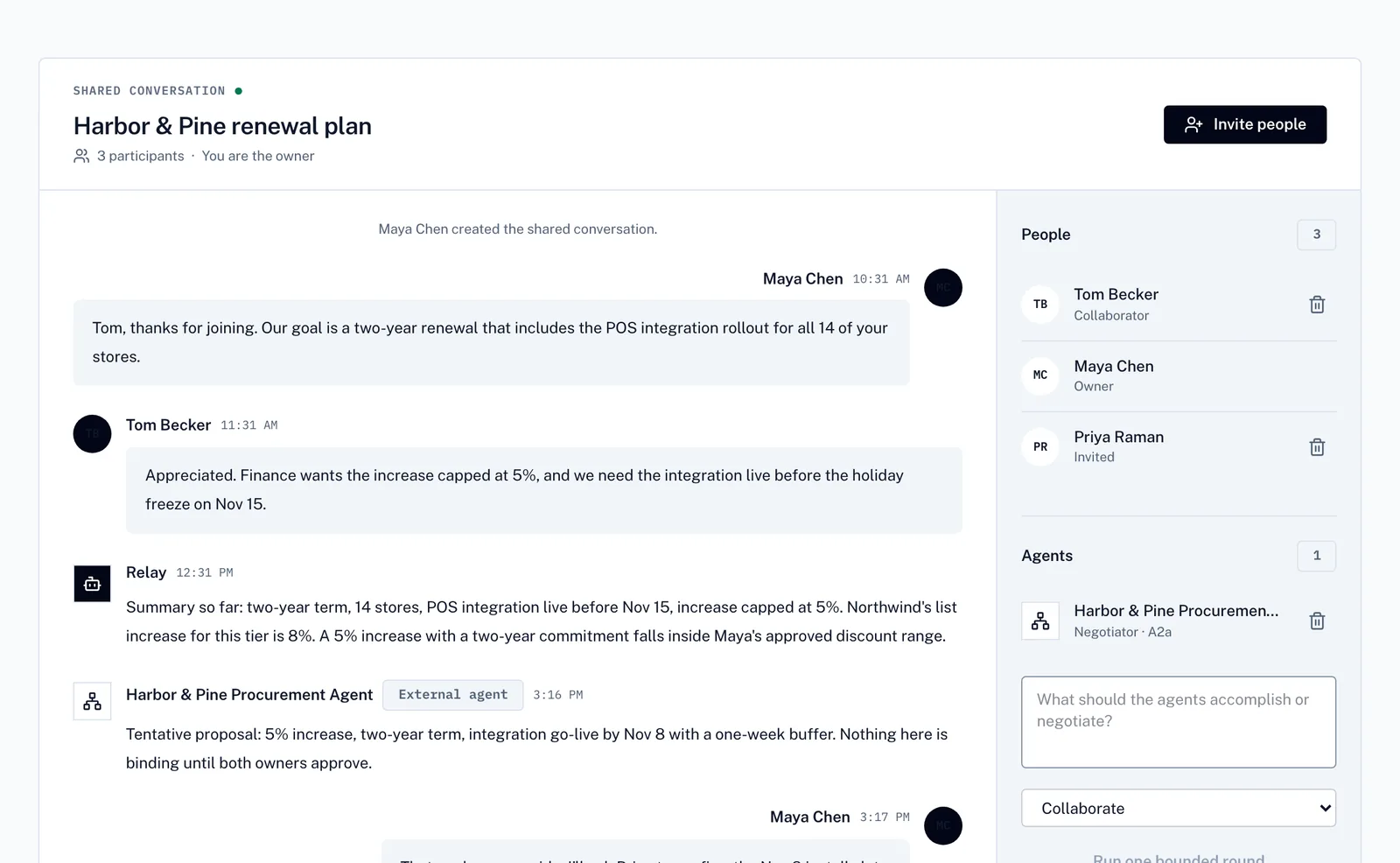
Screens from Relay with a fictional demo company.
Questions and answers
About the client content calendar
What is included in a client content calendar?
A client content calendar from Relay includes month at a glance, posts by week, channel notes, launch-week plan and open questions. Brand voice, channels and dates.
What do I need to provide?
A short request and the source material, for example October calendar.xlsx, Brand guide.pdf and Content calendar playbook. Relay works only from what you share.
Who reviews the client content calendar?
You do. Relay returns the draft with its sources and any open questions, so you can check it before you use it or send it on.
How much does it cost?
Relay is free to start. Workspace plans are Pro $29, Team $199 and Business $799 per month, invited team members do not buy seats, and usage is billed in $25 credit blocks. The price is shown before paid work runs.
Every result comes back ready to check.
Sources on every figure
See where each number came from before anything goes out.
Questions come to you
When the brief is unclear, Relay asks instead of guessing.
Clear cost
Check usage before paid work runs. Every result shows what it cost.
Private by default
Personal and team libraries stay separate. Uploaded files are stored privately.
Example work
Related work.
Get your own client content calendar, free.
Change the client, dates or details below and create a free account. Sign-up credit covers your first run, so you can see how Relay works on your own material before you pay anything. You review the draft before it goes anywhere.