Solutions · Teams · Operations
Keep everyone informed without writing every update.
Relay is an AI workspace for operations teams. Hand off the meeting recaps, the weekly digests and the status briefings. Everyone gets the same clear picture, and you stop being the bottleneck.
The work that keeps coming back
What do operations teams hand off first?
- 01
Meeting recaps
TodayTurning an hour of notes into actions nobody reads.
With RelayA short recap with actions and owners.
- 02
Weekly briefings
TodayChasing six teams for the same update.
With RelayOne briefing drafted from the updates they already wrote.
- 03
Support and ops digests
TodaySkimming exports for what changed.
With RelayA digest of what is new, with links to the details.
How it works
How does Relay work for operations teams?
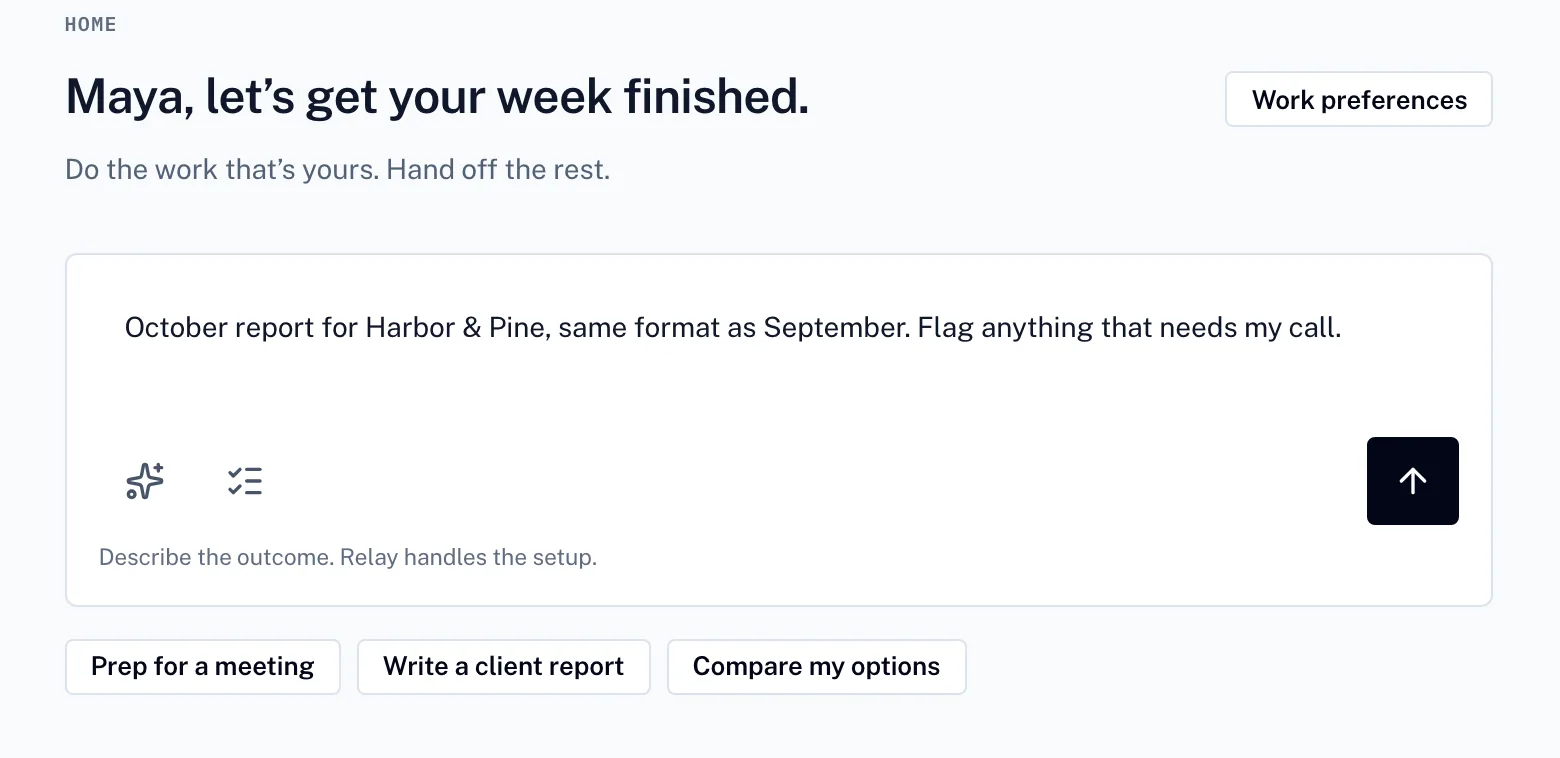
01 · You describe it
Start with a sentence, not a spec.
Say what you need. Relay turns it into a plan you can adjust before anything runs.
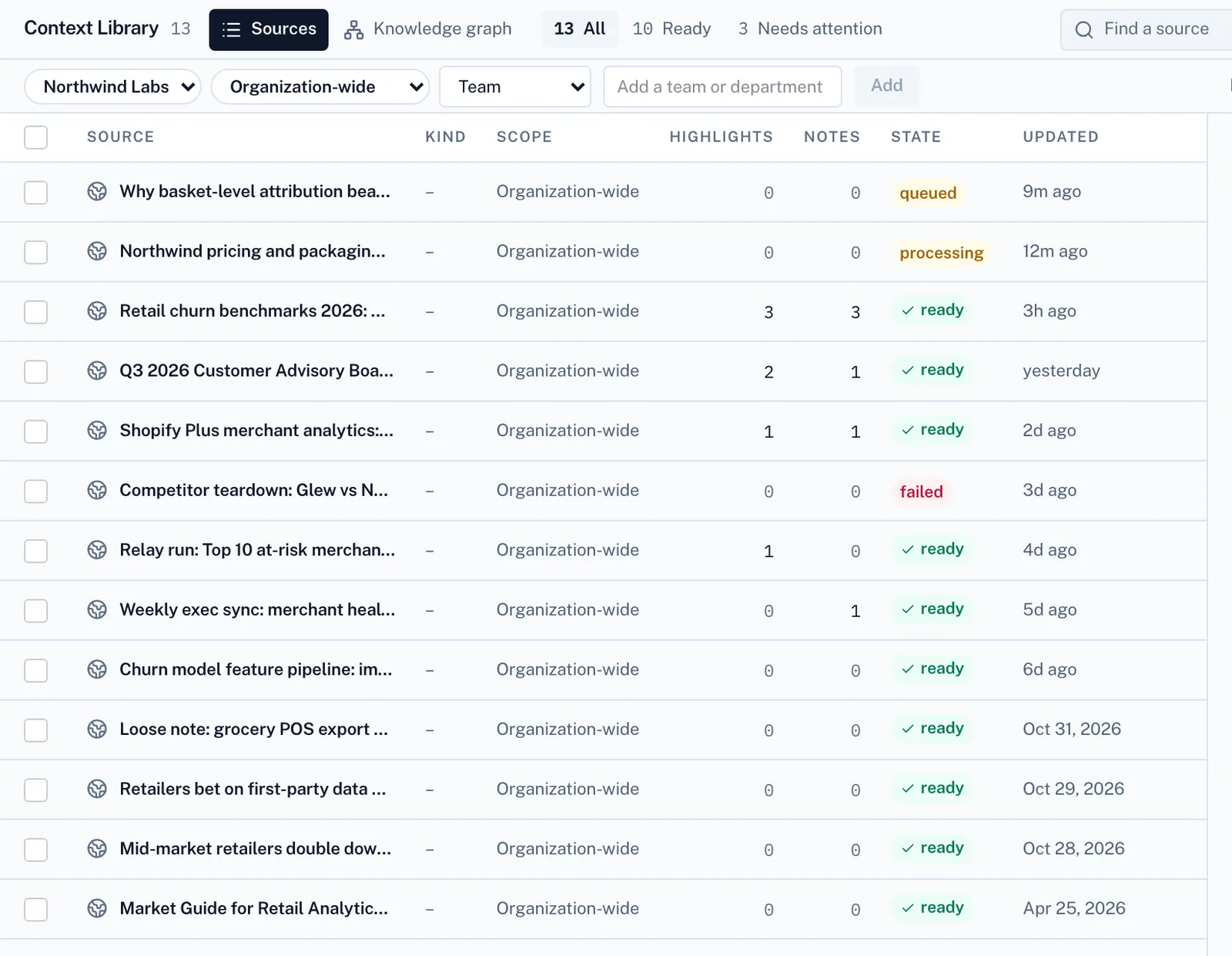
02 · Relay gathers what it needs
Stop re-explaining your work.
It works from your files and your team’s playbooks, so the result fits how you already work.
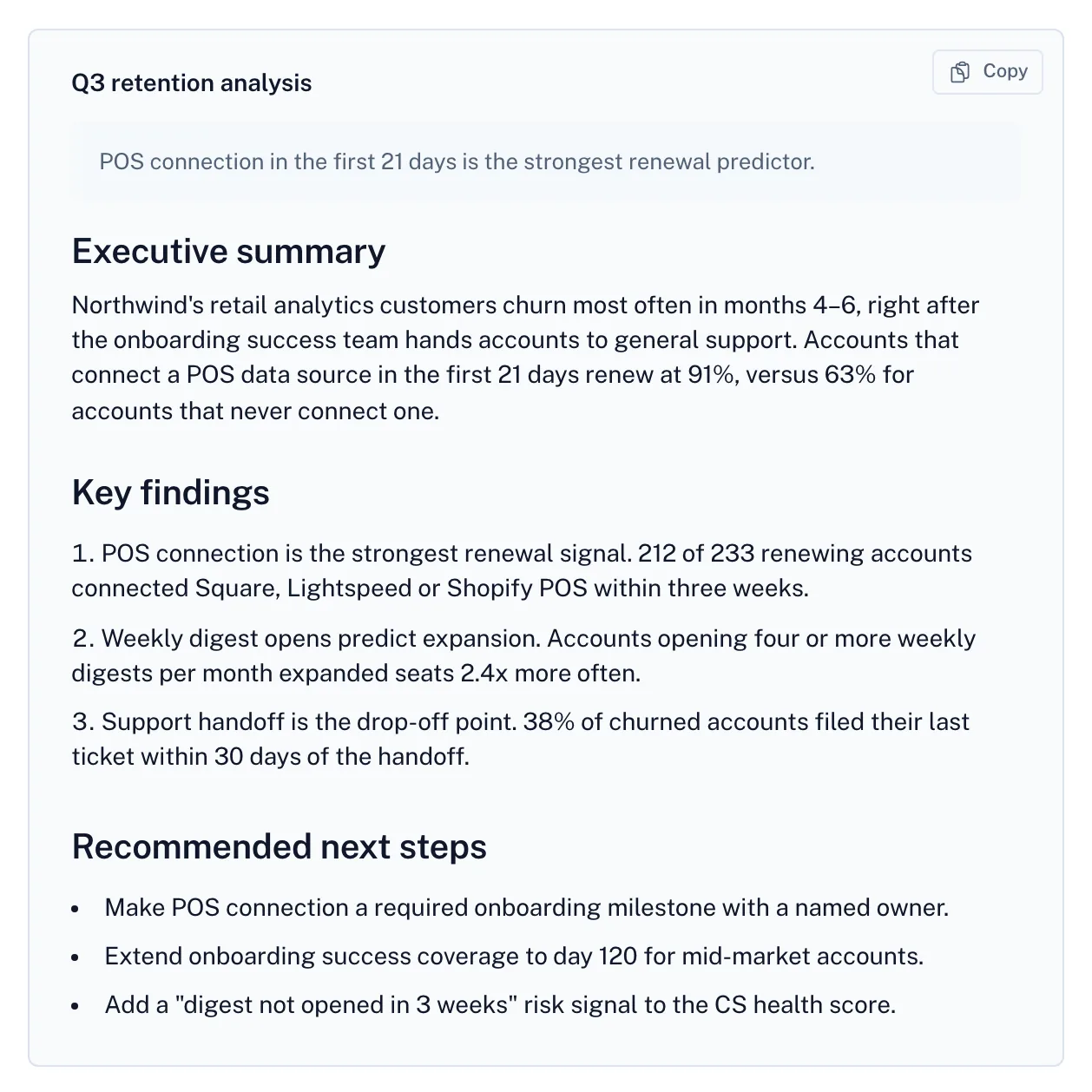
03 · You make the call
Know it’s right before you share it.
The result comes back with its sources, any open questions and what it cost. You decide what goes out.
Screens from Relay with a fictional demo company.
Inside Relay
What else does Relay handle for this work?
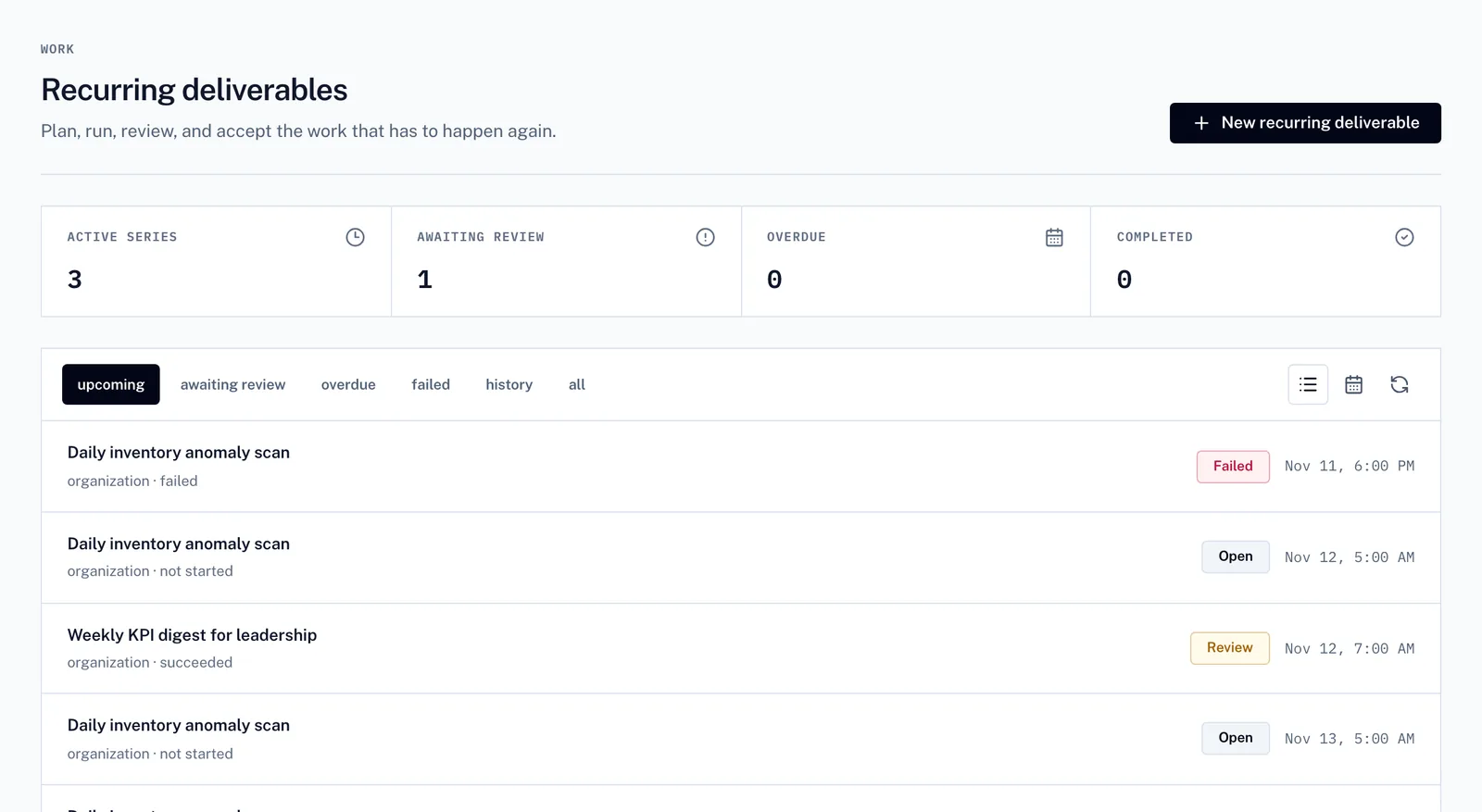
Recurring deliverables
Recurring work, on schedule
Weekly and monthly work is scheduled once. You see what is coming up, what is waiting for review and what needs attention.
Decision queue
You approve what matters
Calls that need a person wait in one queue, each with Relay’s recommendation and its status.
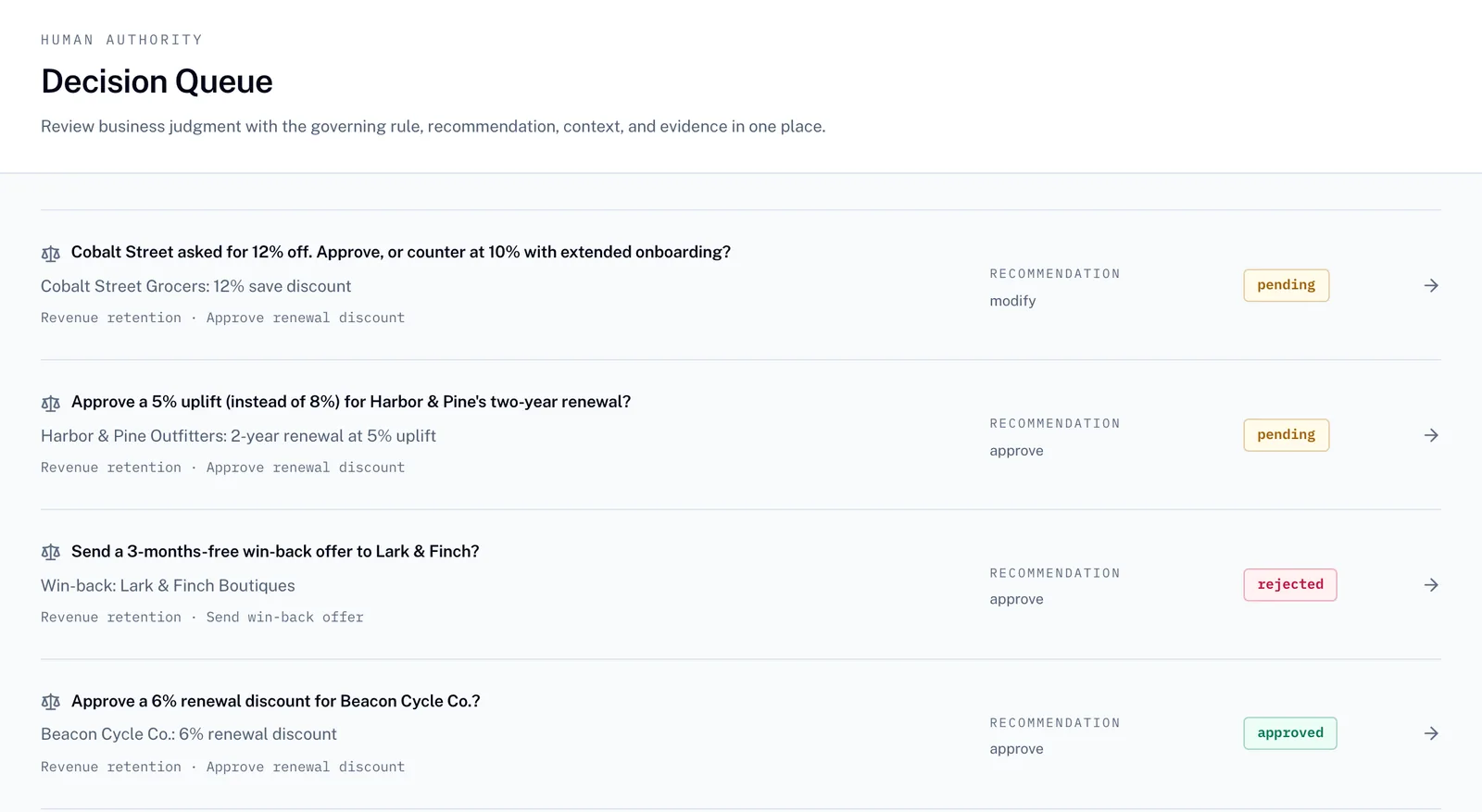
Screens from Relay with a fictional demo company.
Example work
Start with one of these.
Questions and answers
Relay for operations teams
What can operations teams hand off to Relay?
Operations teams usually start with meeting recaps, weekly briefings and support and ops digests. Each one starts from your own files and playbooks and comes back as a draft to review.
How does Relay work for operations teams?
Describe the task in a sentence. Relay turns it into a plan you can adjust, works from your files and your team’s playbooks, and returns a draft with its sources, any open questions and what it cost. You review it before it is used.
How much does Relay cost?
Relay is free to start. Workspace plans are Pro $29, Team $199 and Business $799 per month, invited team members do not buy seats, and usage is billed in $25 credit blocks. The price is shown before paid work runs.
Is my data private?
Personal and team libraries stay separate, and uploaded files are stored privately. Relay works only from the files and context you choose to share.
Every result comes back ready to check.
Sources on every figure
See where each number came from before anything goes out.
Questions come to you
When the brief is unclear, Relay asks instead of guessing.
Clear cost
Check usage before paid work runs. Every result shows what it cost.
Private by default
Personal and team libraries stay separate. Uploaded files are stored privately.
What will you hand off first?
Create a free account to send your request. Paid work uses credits.