Consider Credal when…
- Your team needs to curate and govern context and tools across multiple agent surfaces.
- Source permissions and model-spend attribution are core buying criteria.
Enterprise context & agents
Credal focuses on governing the context and tools agents use across a company. It is especially relevant when the Dust comparison centers on permissions, shared knowledge, and AI spend controls.
Choose Credal if
Your team needs to curate and govern context and tools across multiple agent surfaces.
Choose Relay if
You repeat the same client or team deliverables each week or month.
At a glance
| What you’re deciding | Relay | Credal |
|---|---|---|
| How work starts | Describe the deliverable and use an approved playbook with your shared context. | Curate company context and tools into governed MCP servers that teams and agents can use. |
| Subscription and team access | Workspace plans: Pro $29, Team $199, Business $799 per month. Invited team members do not buy seats. | Custom Enterprise pricing covers builder seats, user seats, connected data indexing, and usage. |
| How usage is measured | Usage in $25 credit blocks, or your own provider keys where supported. Confirm the price before a paid run. | Model token consumption is a usage component, alongside the seats and data included in the scoped plan. |
| Sharing work across a team | Shared workspace context and reusable playbooks, with organization membership and access controls. | Shared context and tools use source permissions, role-based controls, and consolidated audit and cost logs. |
Credal is a context and governance platform as well as an agent option. Its pricing combines several dimensions, so a seat-only comparison would be incomplete.
Current Relay pricing and plan details →Which fits you
How Relay handles a job
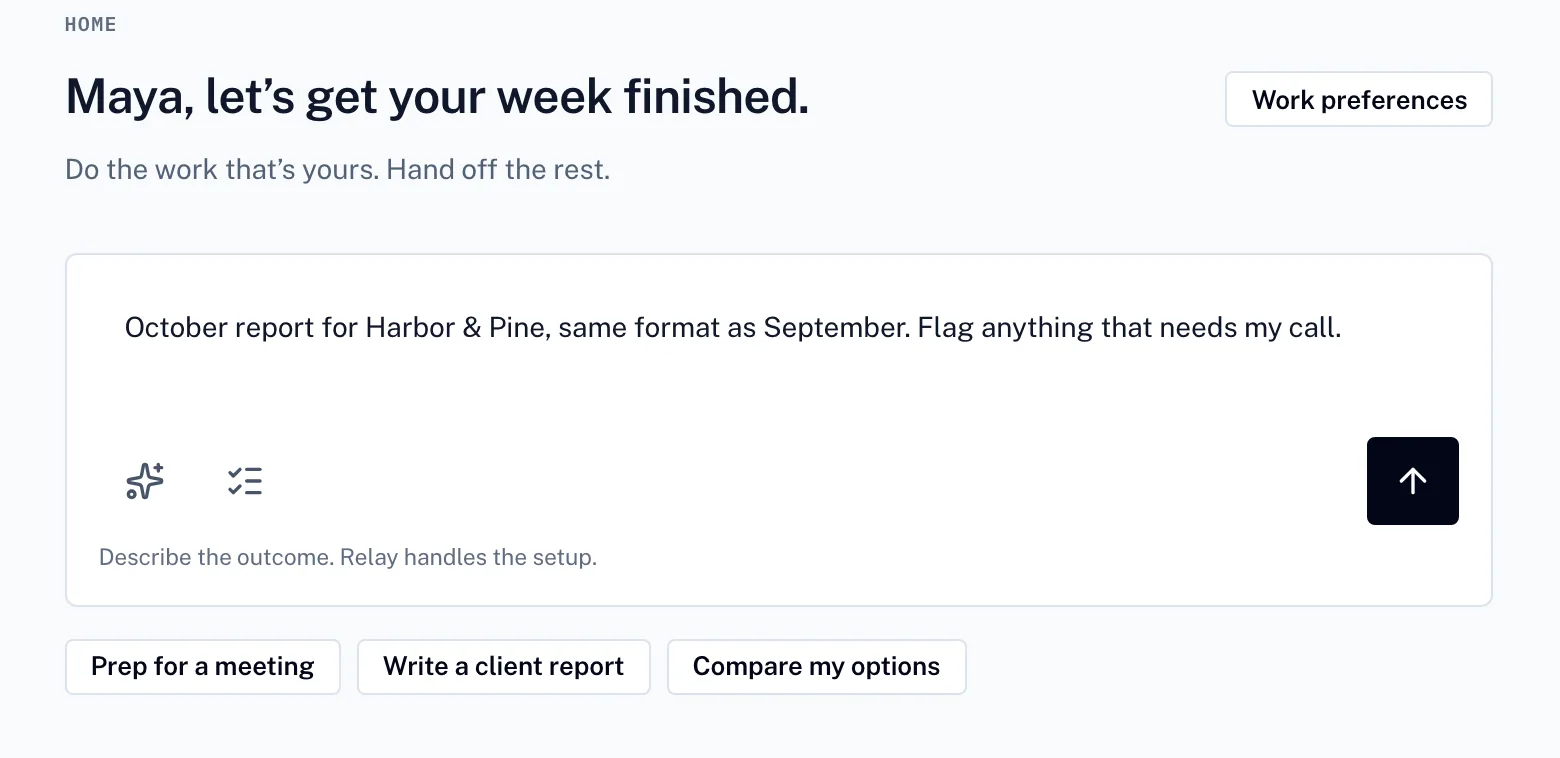
01
Say what you need. Relay turns it into a plan you can adjust before anything runs.
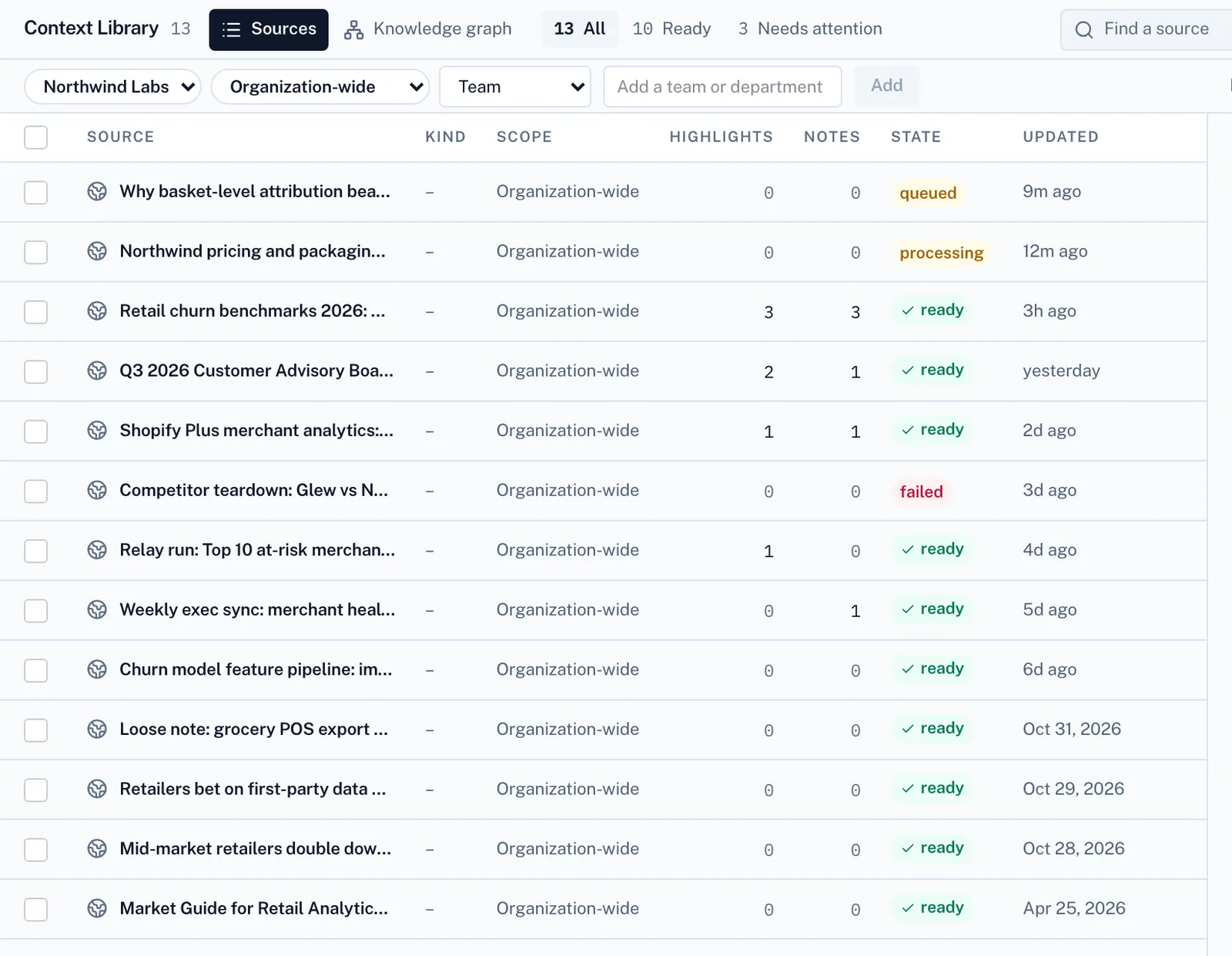
02
It works from your files and your team’s playbooks.
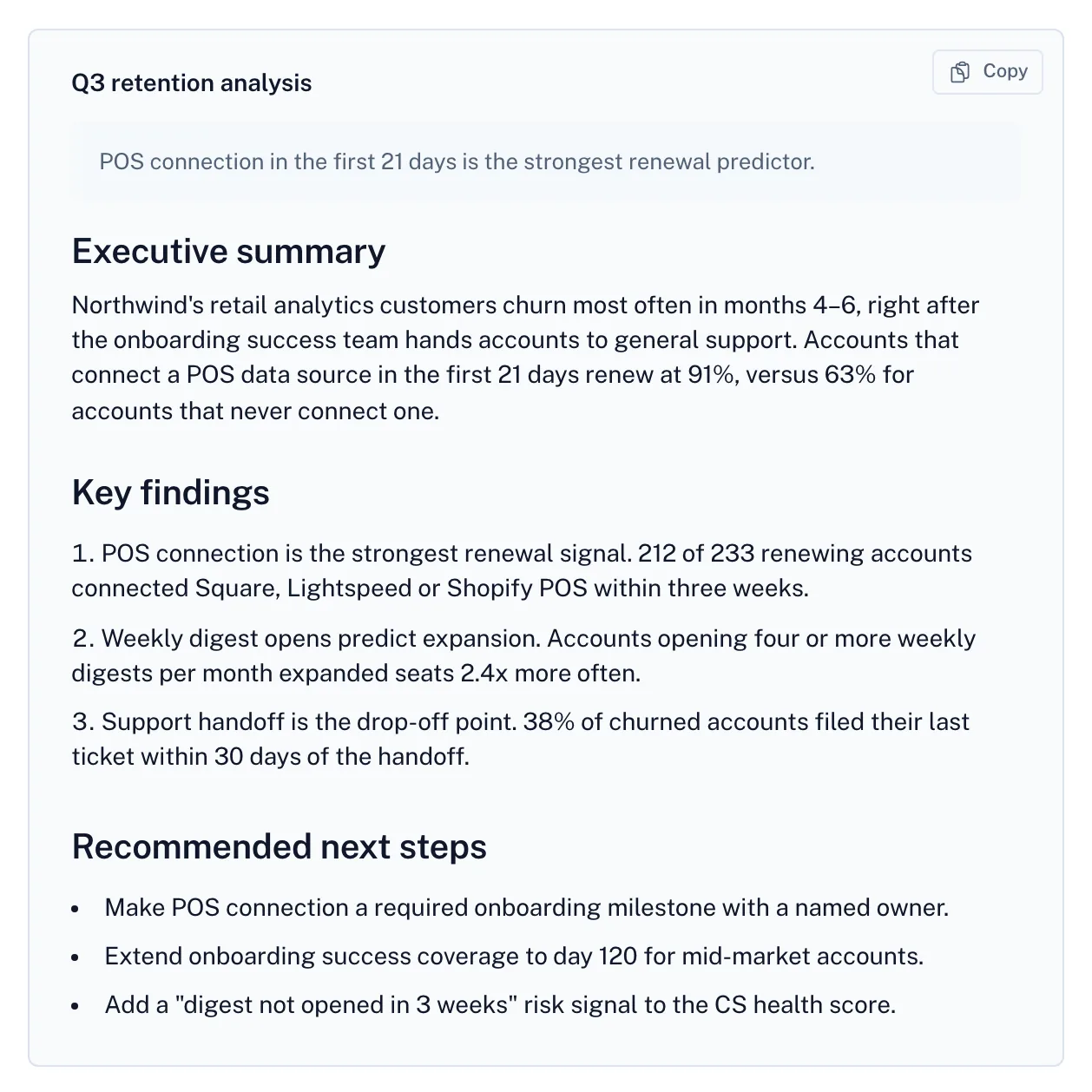
03
The result comes back with its sources, open questions and cost.
Screens from Relay with a fictional demo company.
A useful trial question
Try the same deliverable with the same inputs and reviewer in both products. Compare the result, the upkeep and the complete cost.
No. Each provider defines its own usage unit. Compare a complete job and the subscription, model, seat and platform costs that apply to it.
No. This compares public product and pricing information. Fit guidance is an editorial judgment, and your own representative trial is the useful next check.
No. Relay’s workspace subscription covers invited team members, with usage billed separately. See the pricing page for plan details.
Other comparisons
Enterprise search, company context, and governed agents.
An enterprise agent-building and governance platform for IT teams.
Vendor descriptions are based on their own public pages. Pricing, availability and plan terms can change. Product names belong to their owners.
Create a free account to send your request. Paid work uses credits.