Consider Zapier when…
- You want app-to-app automation with a broad integration catalog.
- Your team wants to configure triggers and actions, or add Agents to existing Zapier workflows.
Automation & assistants
Zapier connects applications through workflows and also offers Agents. Compare the specific product you would use, rather than treating every Zapier feature as one plan.
Choose Zapier if
You want app-to-app automation with a broad integration catalog.
Choose Relay if
You repeat the same client or team deliverables each week or month.
At a glance
| What you’re deciding | Relay | Zapier |
|---|---|---|
| How work starts | Describe the deliverable and use an approved playbook with your shared context. | Connect apps through Zaps, or configure AI-powered teammates with Zapier Agents. |
| Subscription and team access | Workspace plans: Pro $29, Team $199, Business $799 per month. Invited team members do not buy seats. | Zap workflow plans and Agents plans have separate packages and limits. Price the product combination your team actually needs. |
| How usage is measured | Usage in $25 credit blocks, or your own provider keys where supported. Confirm the price before a paid run. | Zaps count successful actions as tasks. Agents usage is measured separately in activities. |
| Sharing work across a team | Shared workspace context and reusable playbooks, with organization membership and access controls. | Team accounts share a pool of Agents activities; Enterprise Agents lists organization-wide sharing and audit logs. |
The task meter for Zaps is not the same as the activity meter for Agents. Credit or task counts are not directly comparable with Relay usage.
Current Relay pricing and plan details →Which fits you
How Relay handles a job
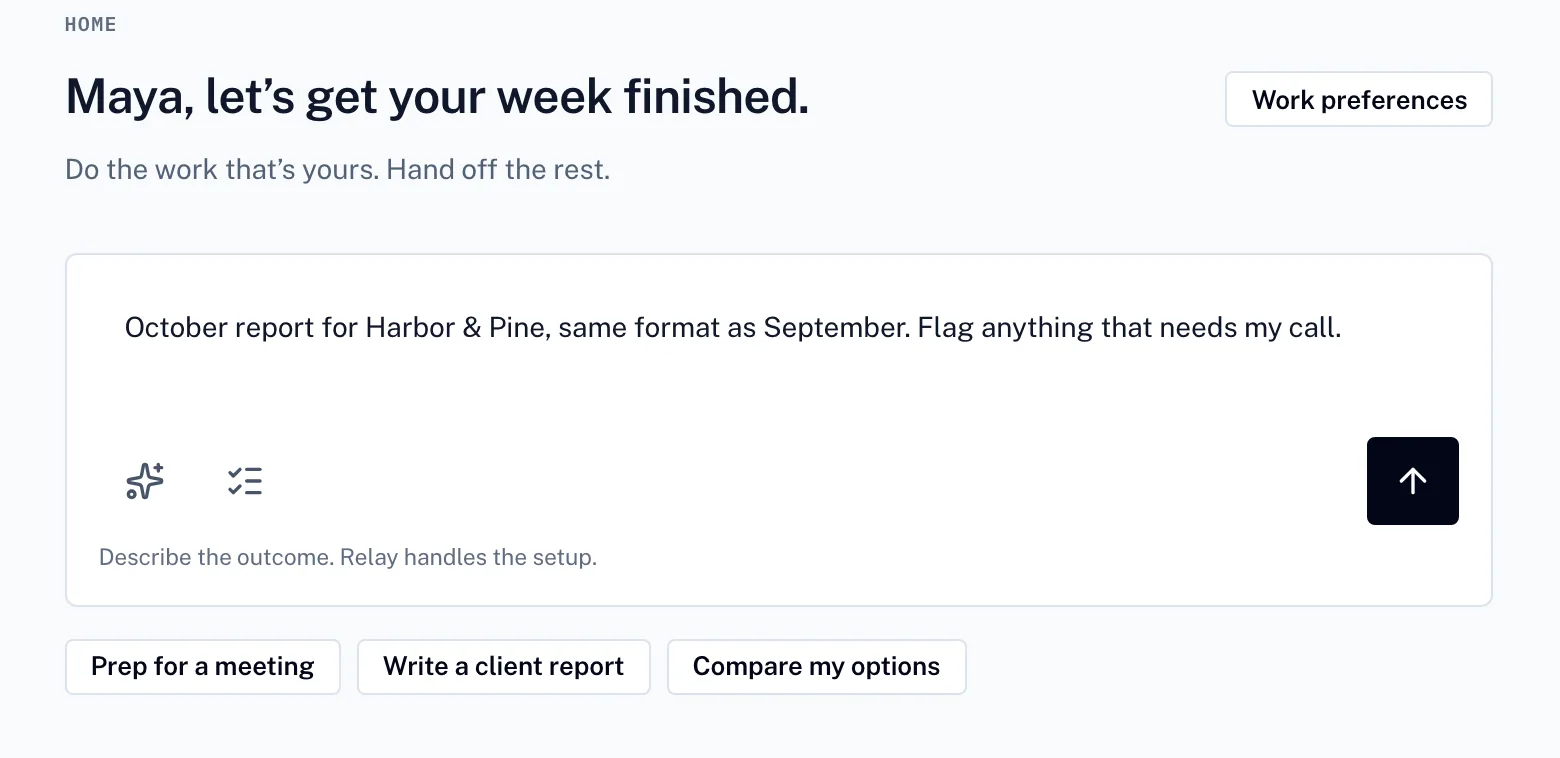
01
Say what you need. Relay turns it into a plan you can adjust before anything runs.
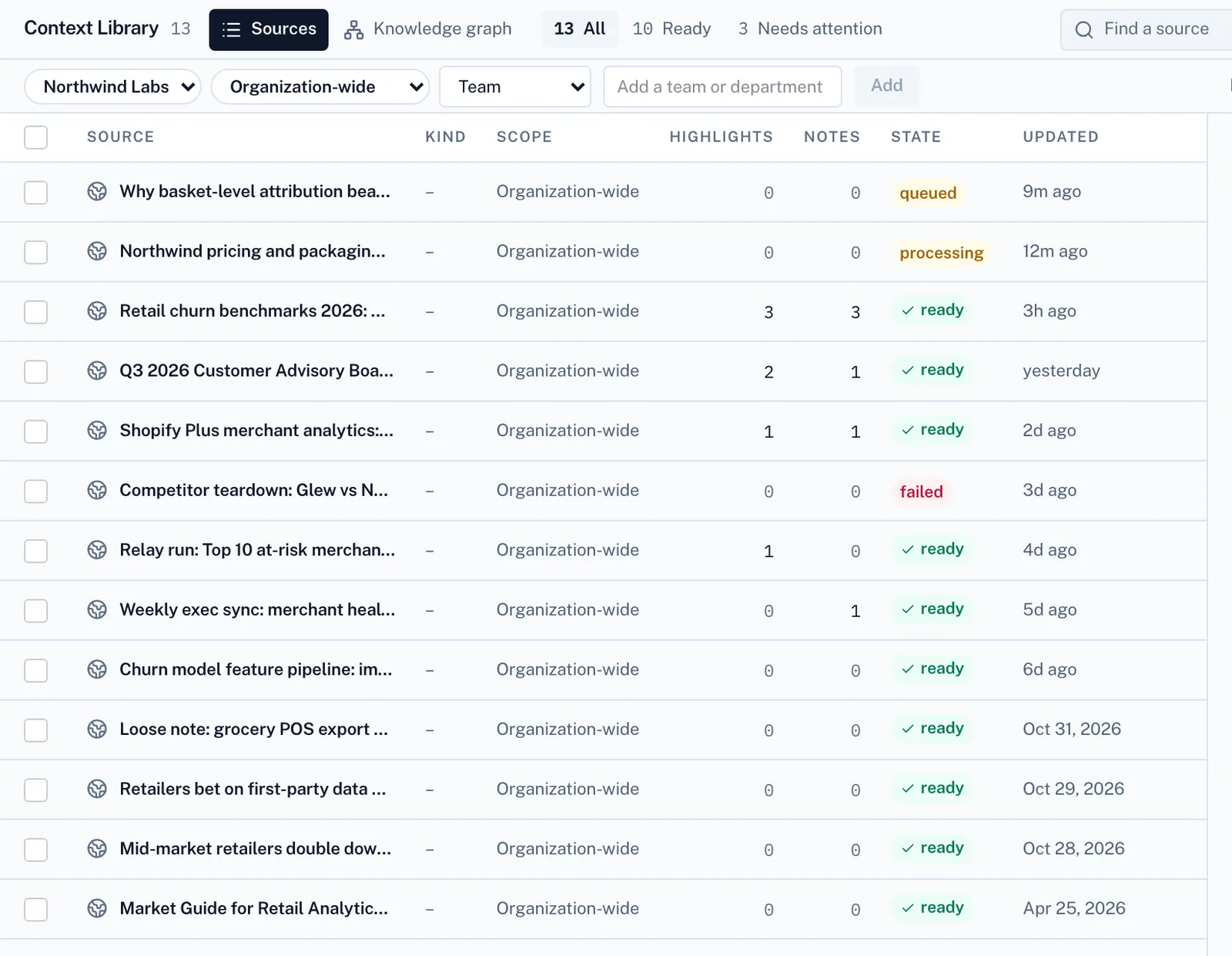
02
It works from your files and your team’s playbooks.
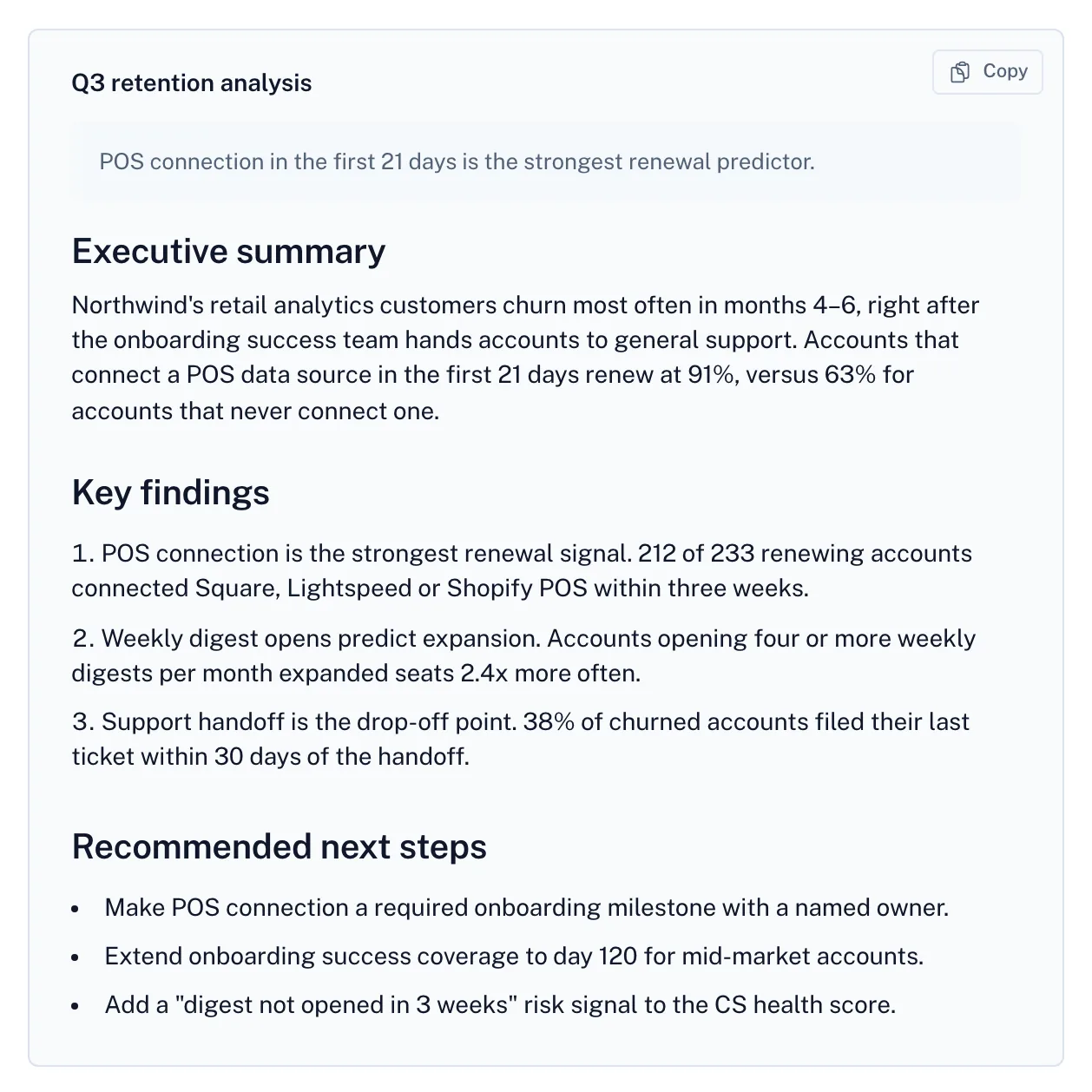
03
The result comes back with its sources, open questions and cost.
Screens from Relay with a fictional demo company.
A useful trial question
Try the same deliverable with the same inputs and reviewer in both products. Compare the result, the upkeep and the complete cost.
No. Each provider defines its own usage unit. Compare a complete job and the subscription, model, seat and platform costs that apply to it.
No. This compares public product and pricing information. Fit guidance is an editorial judgment, and your own representative trial is the useful next check.
No. Relay’s workspace subscription covers invited team members, with usage billed separately. See the pricing page for plan details.
Other comparisons
AI teammates and pooled team credits.
Configurable workflows, AI nodes, and self-hosting options.
Visual scenarios, connected applications, and AI automation.
Vendor descriptions are based on their own public pages. Pricing, availability and plan terms can change. Product names belong to their owners.
Create a free account to send your request. Paid work uses credits.